 Arrow Puzzle
Download Arrow Puzzle for Android
Free on Google Play. Install in under a minute and play your first level right away.
Get the game
Arrow Puzzle: Tap Puzzle Games is available for Android on Google Play. Tap the button on your phone or tablet to open the store page.
| Name | Arrow Puzzle: Tap Puzzle Games |
|---|---|
| Platform | Android (phones and tablets) |
| Requires | Android 7.0 (API 24) or newer |
| Price | Free, with ads and optional rewarded ads |
| Category | Games, Puzzle |
| Account | Not required |
| Internet | Levels work offline. Ads need a connection. |
| Language | English |
| Package ID | com.games.arrow.puzzle |
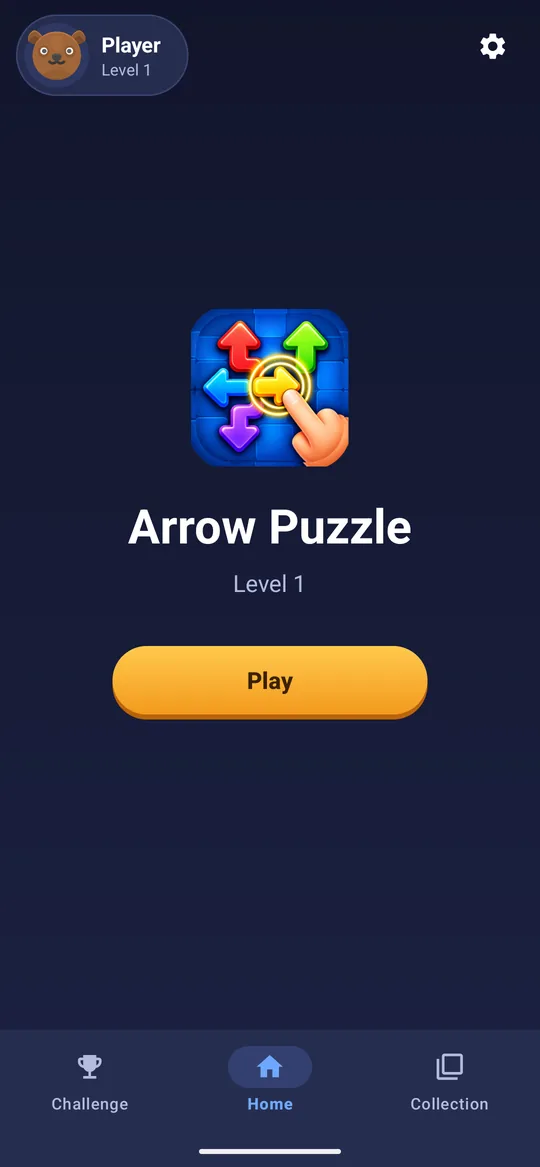
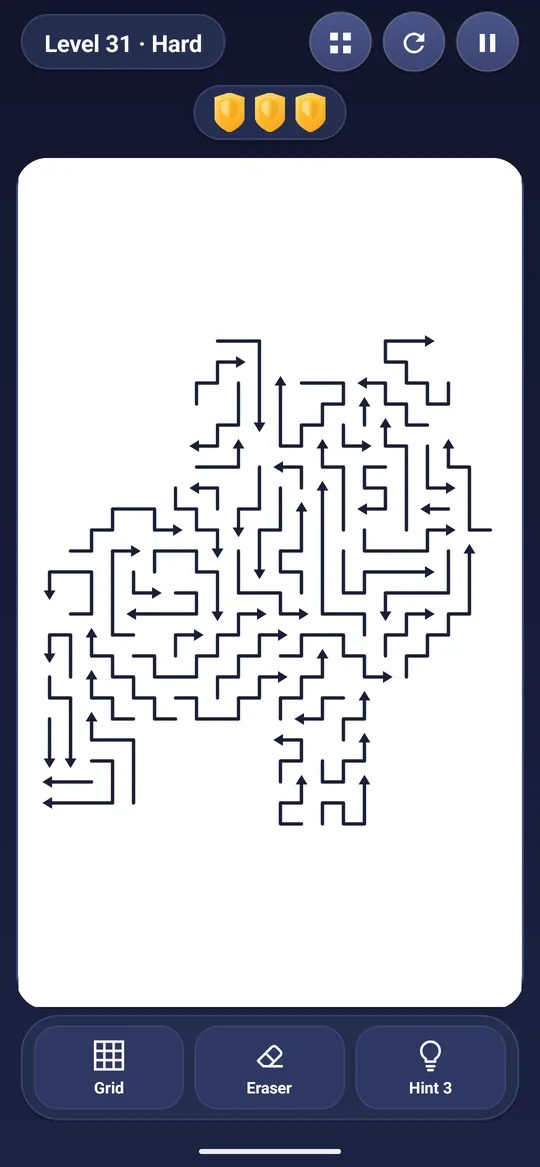
How to install Arrow Puzzle
- Open the Google Play Store on your Android device.
- Search for Arrow Puzzle: Tap Puzzle Games, or use the button above.
- Tap Install and wait for the download to finish.
- Tap Open, follow the short first-run tutorial and clear your first arrows.
Staying safe
Only install the game from Google Play. We do not distribute APK files from this website or by email. If you see a download of this game elsewhere, treat it with caution.
Need help?
If the install does not work, check that your device runs Android 7.0 or newer and has free storage. Still stuck? Visit the FAQ or contact us.
Start clearing arrows today
Free on Google Play. No account. No pressure.